Google Lyria is a useful platform for making AI music. I have already written about how to use Google Lyria in order to make songs on the platform here.
Here is how to make longer songs on Google Gemini with Lyria.
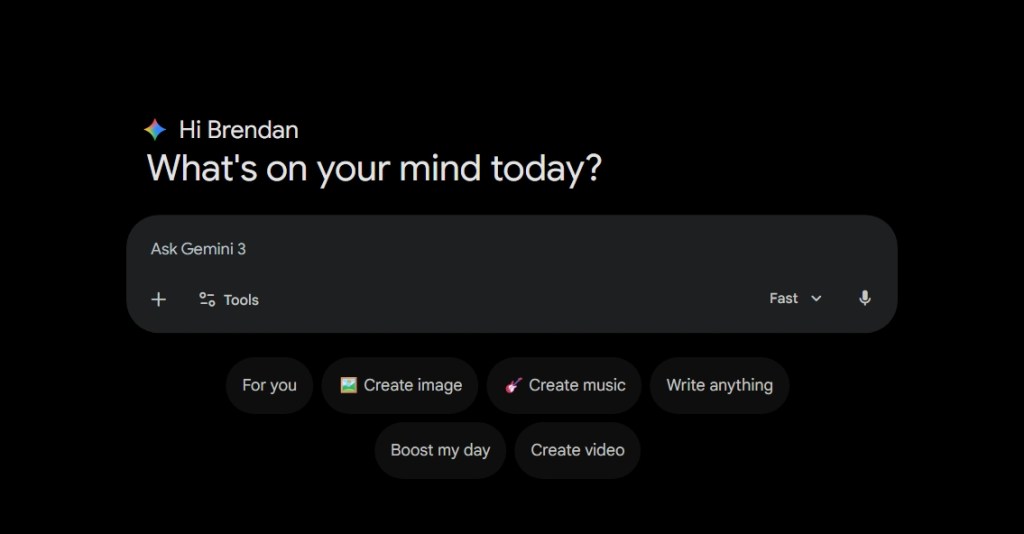
Step 1: Go to Google Gemini and Select Create Music
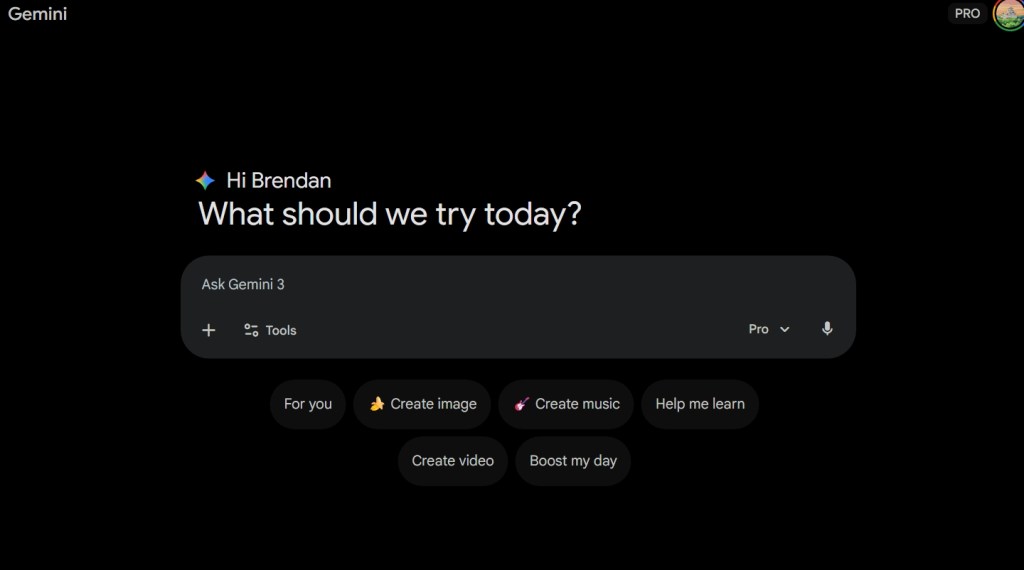
Step 2: Select Create music and make sure the model is on “Thinking”.
Step 3: Write in your prompt
Step 4: Analyze your results
Once Gemini is complete you will be able to hear the whole song. When the model is on “Thinking”, it is able to create roughly three-minute songs rather than the default 30 seconds on “Fast” settings.
Within the result, Google Gemini’s Lyria music creator is able to describe the multiple instruments involved in the creation of the song here.
The song is now available for download onto your PC or to share on social media.
Google Lyria 3 is one of the most powerful AI music generators here.
Suno AI is still the best when it comes to studio level music generation but Google is showing it is very much competitive in this space.
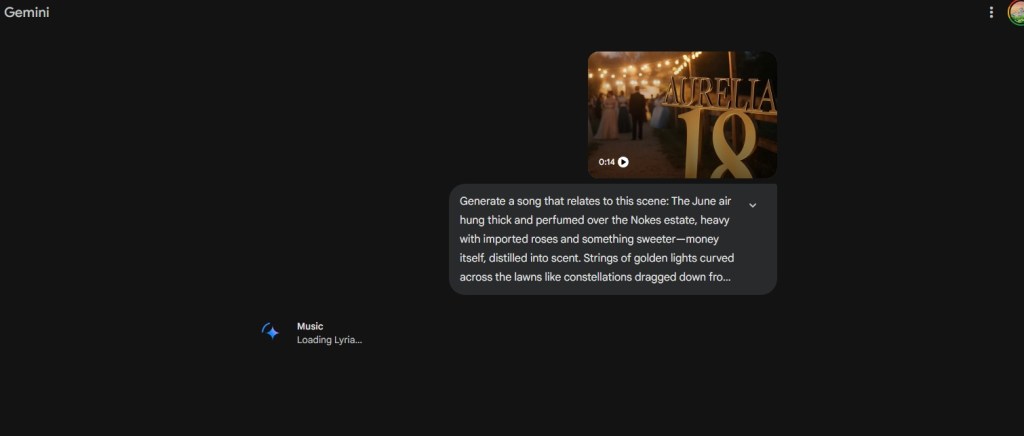
One of the most intriguing aspects of the chatbot is the ability to attach a video and have it create music out of that video.
There are two options to approach this.
You can attach a video and then write a text prompt to elaborate on what song wish to have here.
You can simply attach a video just to experiment to see what Lyria makes here.
My recommendation here is that you should attempt to write a prompt because from my experience, Lyria has a tendency to create songs with vocals. While the vocals are great, I am more of an instrumental guy. I love Baroque and Classical Music and that is the genre I prefer to see created from such prompts here.
The amount of time it takes to create a song from a video is impressive. It only takes about a couple seconds, another advantage Google gained over Open AI’s ChatGPT platform here.
The ability for Google Lyria to make songs out of a video is one those things that only existed in the imaginations of writers who dabbled in the realm of speculative stories.
Now, that power is the hands of average users. While some may complain about creativity, I think we should use these tools in order to enhance our imaginations.
Google just released their AI music creator on the Gemini Chatbot platform. I was aware that Google was already getting their feet wet with the AI music, but now its available for the public.
Here is a guide on how to create music with this publicly available tool here.
What is Google Lyria?
Google Lyria is an AI music creator with Google Gemini which will create songs from various genres based on your word prompts, image prompts or video prompts.
This AI music generator is very efficient and easy to use. It is able to create songs within seconds which is better than its closest competitor, Suno, which while a good platform, is too niche. I prefer having everything AI in one app and Gemini provides that right now.
How to make music with Google Lyria
In order to create music. You need to get to the Google Gemini website or app.
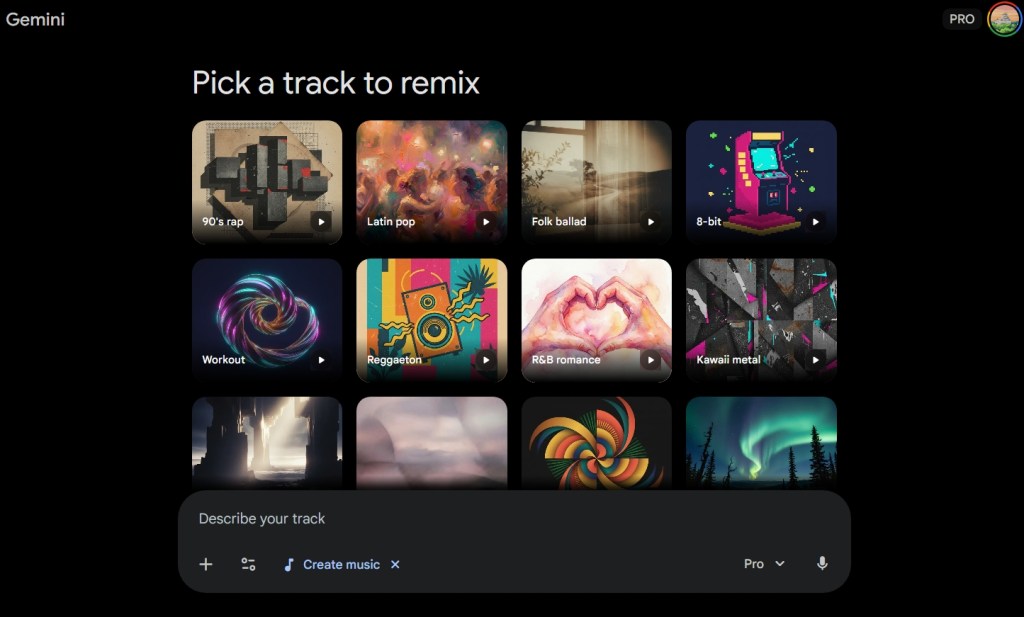
There is a new icon avaliable in your options known as “Create music”.
When you click on that button, this screen will appear here.
Google Gemini’s Lyria model gives you multiple tracks to remix in an interface similar to that of Open AI’s ChatGPT ai image generators.
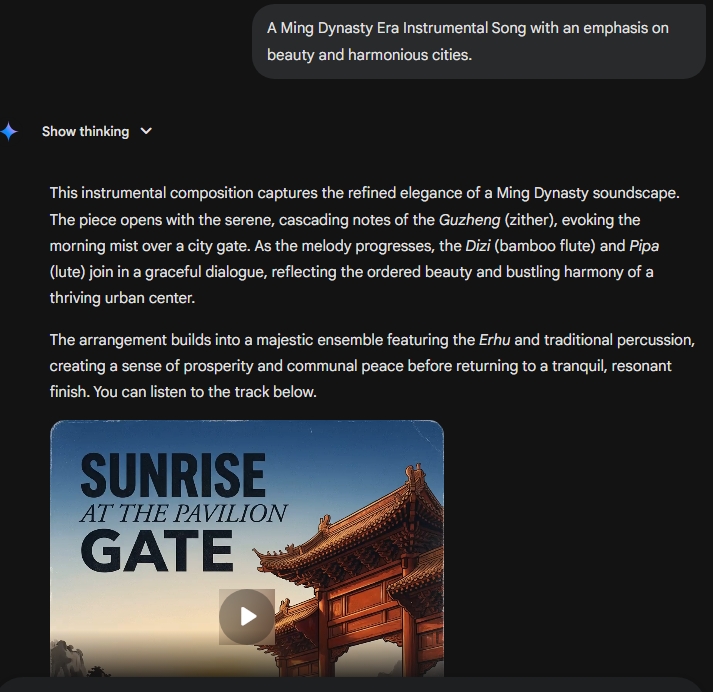
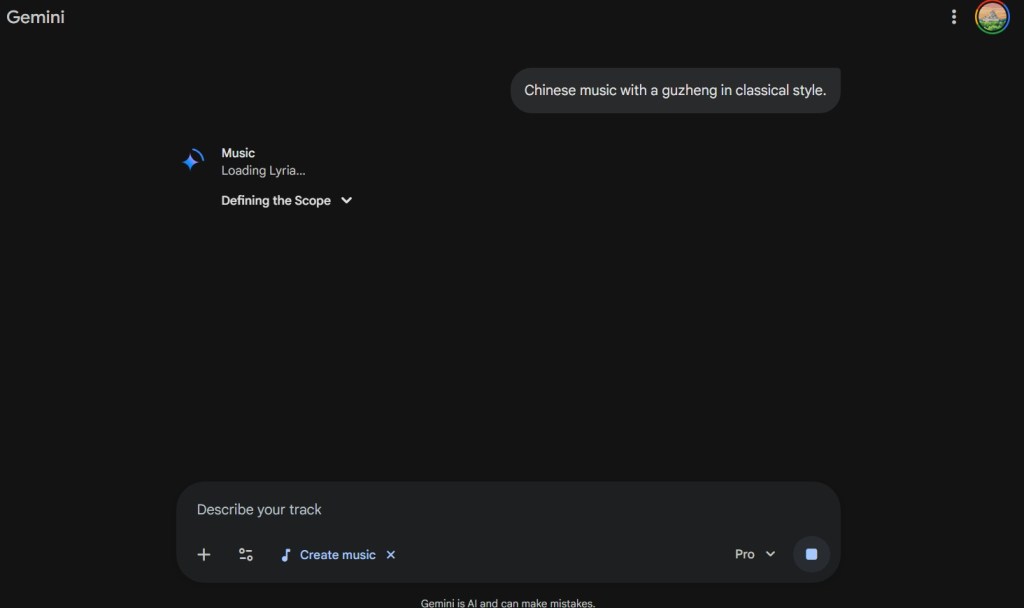
I decided to type in a prompt for making Chinese Traditional music with the guzheng here.
Lyria is prompt at making the music. Each song that is created is 30 seconds long.
Right now, the one area that it differs from Suno AI is that the songs are limited to 30 seconds.
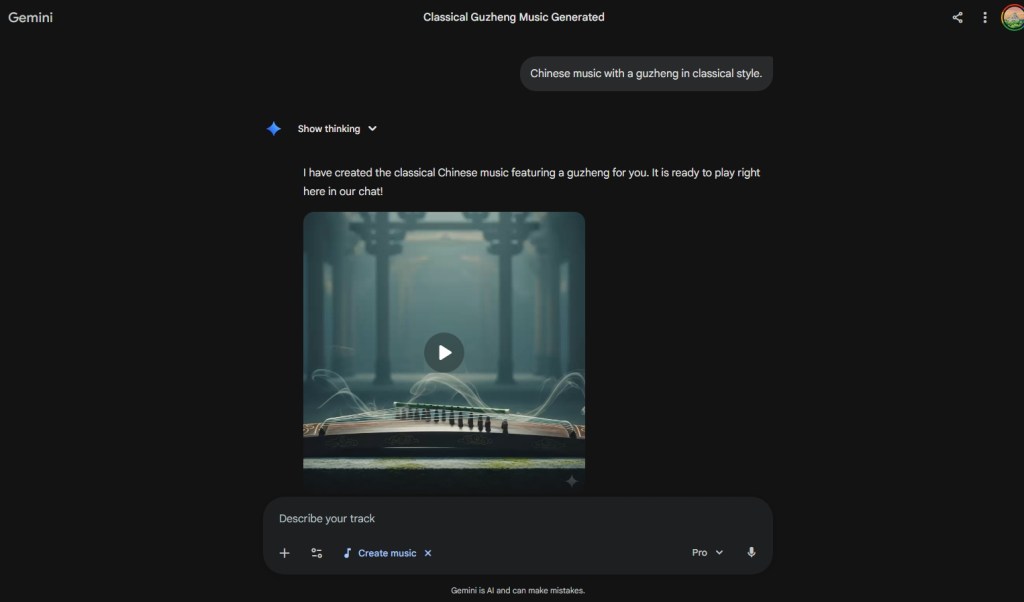
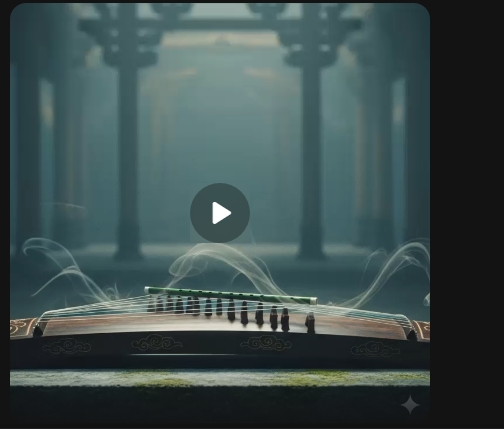
Here is an example of one creation here.
As you can see, Gemini’s music AI model will create an image which represents the essence of that song here.
The quality of the music is very high. The Guzheng is one of my most favorite of all musical instruments.
How should you use Google Lyria?
I have already been using Suno AI to create quick songs for me to put on my MP3 Player. Many of these songs are enjoyable to play. Considering that I have an interest in Baroque and Classical music, these AI songs are not as much of a bother for me.
If you have a YouTube channel, having these AI music creators are a great substitute to taking other people’s music. While the human touch is very important, people have been using stock music and images for many years. Now, we can even more precise usage of such content to enhance your videos.
Considering that these songs are only 30 seconds long, I believe that Lyria is great for making music for intros to your videos here. In this era of YouTube videos, intros are very important for getting people interested in your content and most importantly, increasing interaction with that same content here.
Google Lyria is an amazing tool already
This new release is an amazing tool and shows how powerful Large Language Models (LLMs) can be. That you can attach a video and create a song will reinvigorate the creativity in humanity. AI can be both a companion and tool in this journey to help water the garden of our imaginations.



 My Game Reviews