
Google Lyria is a useful platform for making AI music. I have already written about how to use Google Lyria in order to make songs on the platform here.
Here is how to make longer songs on Google Gemini with Lyria.
Step 1: Go to Google Gemini and Select Create Music
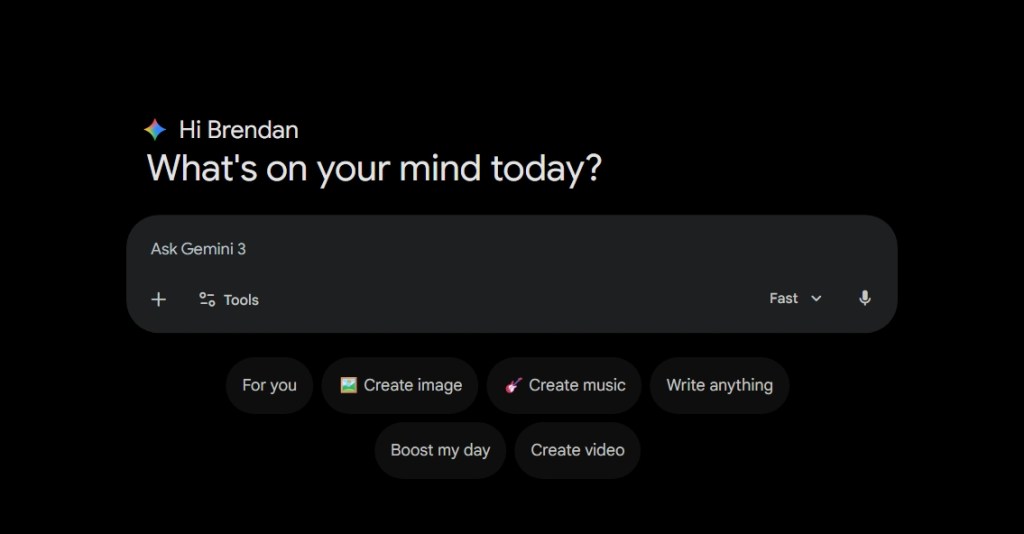
Step 2: Select Create music and make sure the model is on “Thinking”.

Step 3: Write in your prompt

Step 4: Analyze your results
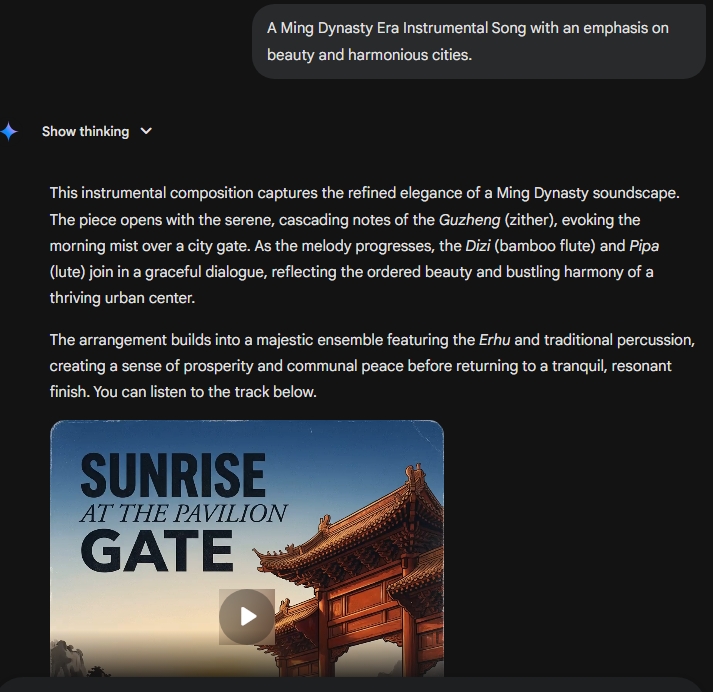
Once Gemini is complete you will be able to hear the whole song. When the model is on “Thinking”, it is able to create roughly three-minute songs rather than the default 30 seconds on “Fast” settings.
Within the result, Google Gemini’s Lyria music creator is able to describe the multiple instruments involved in the creation of the song here.
The song is now available for download onto your PC or to share on social media.
 My Game Reviews