Google Lyria is a useful platform for making AI music. I have already written about how to use Google Lyria in order to make songs on the platform here.
Here is how to make longer songs on Google Gemini with Lyria.
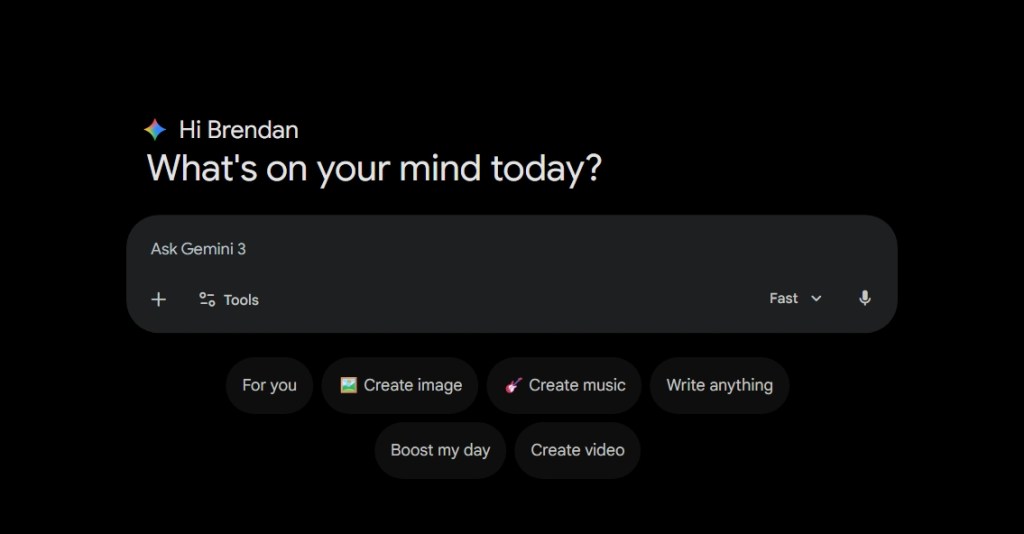
Step 1: Go to Google Gemini and Select Create Music
Step 2: Select Create music and make sure the model is on “Thinking”.
Step 3: Write in your prompt
Step 4: Analyze your results
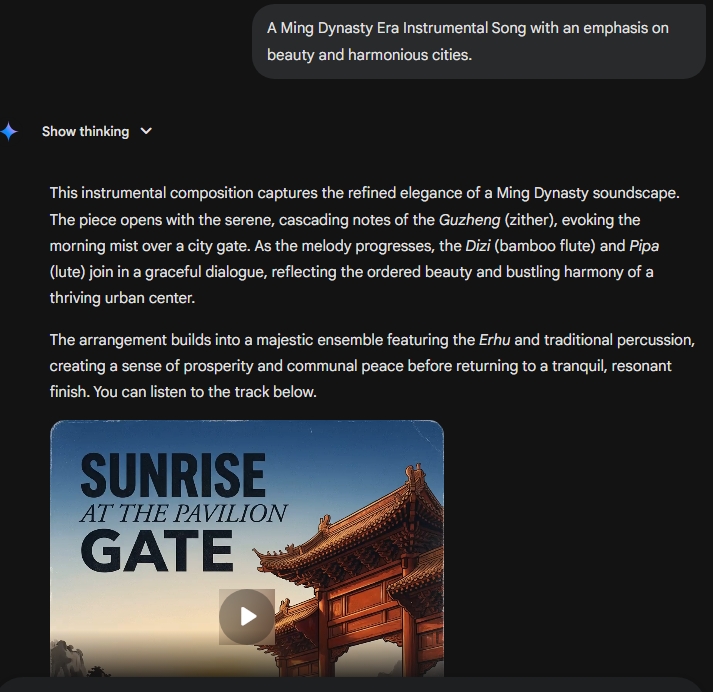
Once Gemini is complete you will be able to hear the whole song. When the model is on “Thinking”, it is able to create roughly three-minute songs rather than the default 30 seconds on “Fast” settings.
Within the result, Google Gemini’s Lyria music creator is able to describe the multiple instruments involved in the creation of the song here.
The song is now available for download onto your PC or to share on social media.
ChatGPT is changing the world of ecommerce by making it more efficient to showcase images of what you are selling online.
On eBay, great images are vital for making a shop successful and turning a hobby into profitable reselling business.
Here are the five steps to use ChatGPT in order to create professional selling images that will be much better than using your old camera.
How to create professional selling images for an item on your eBay store
To start, make sure you have taken photos of your items before uploading them into the template.
Step 1:
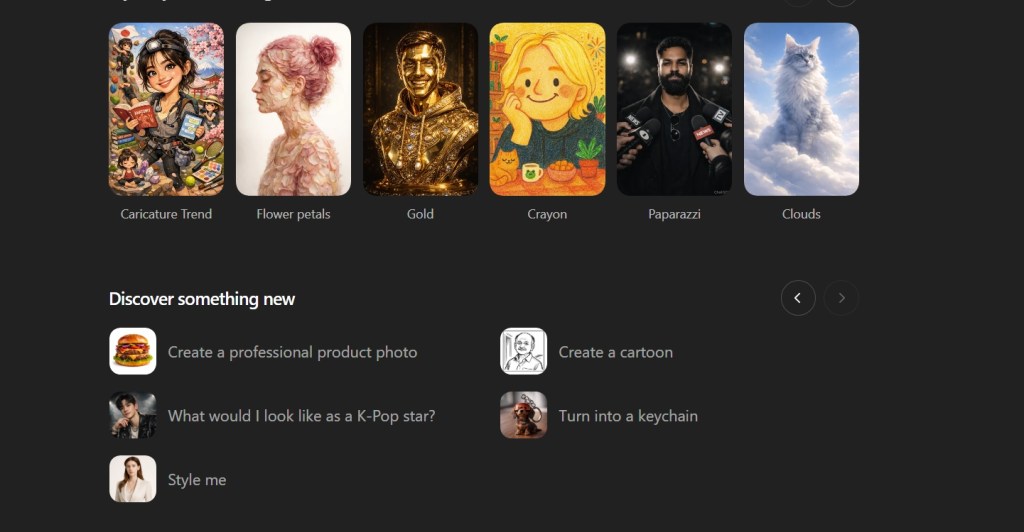
Select: Create a professional product photo
Step 2: Select photo to use with the template
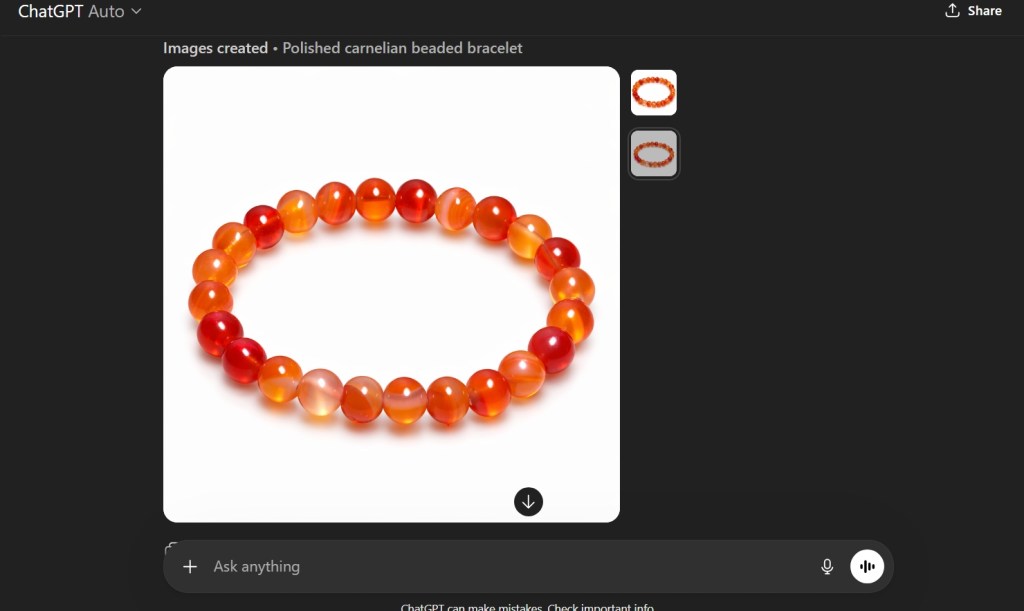
Note: ChatGPT will show you recent photos that you made within their platform to use as a way to guide the chatbot to creating your preferred professional photo.
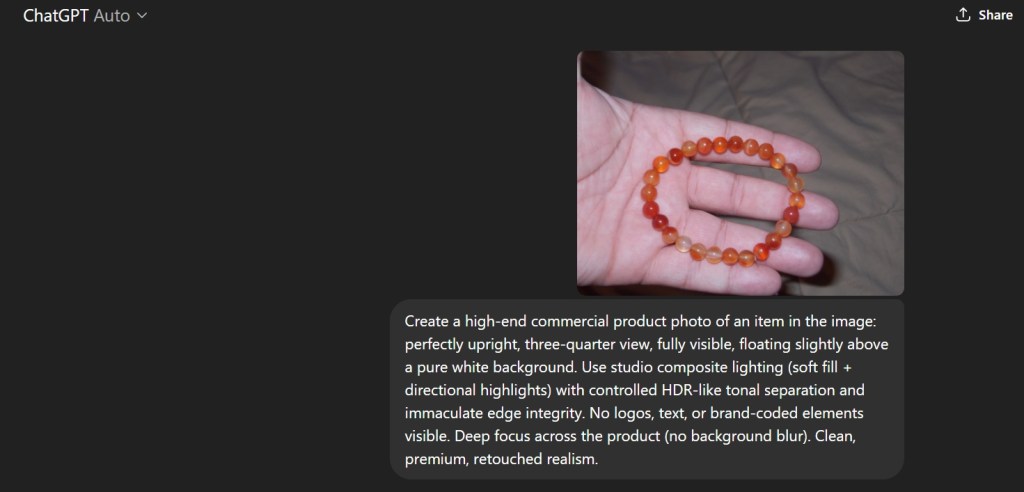
Step 3: Upload the photo.
ChatGPT will show you the prompt that it will use to create these professional photos.
The Result?
You get a clean professional product photo without having to get your white surfaces for your camera.
This will greatly help to speed up the process of making clean pictures of your products on eBay.
ChatGPT is changing the world of education, and I hope to be able to help make the process more usable for students specifically in the High School settings.
A new feature is available in the new versions of ChatGPT known as “Deep Research”. Basically, it makes ChatGPT spend lots of time looking through every source of information available to give you the best answer for you to do research on your topic.
Using this process requires that you are subscribed to ChatGPT Pro.
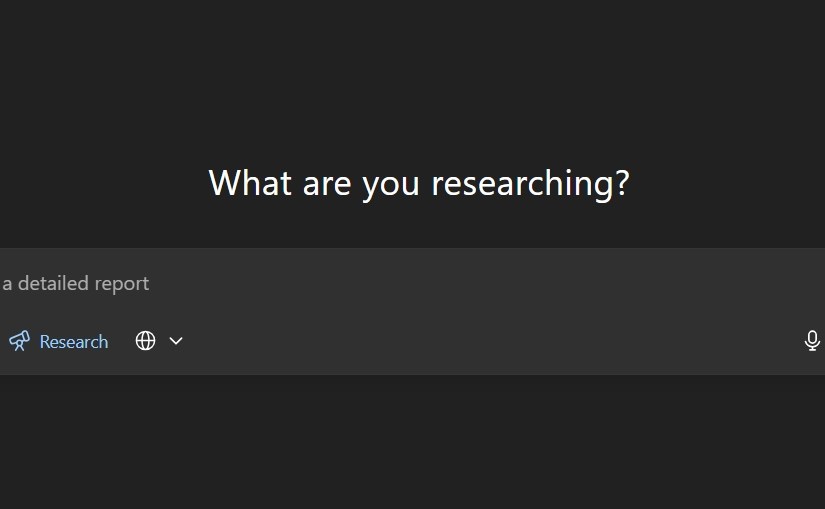
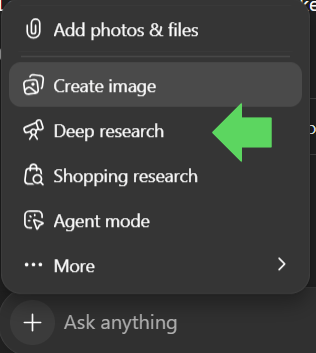
Step 1: Use the Deep Research button on the chat box in ChatGPT
Click on the plus sign on the chat box in ChatGPT.
Then scroll to the Deep research with the telescope icon and click on the button.
Step 2: Ask your question
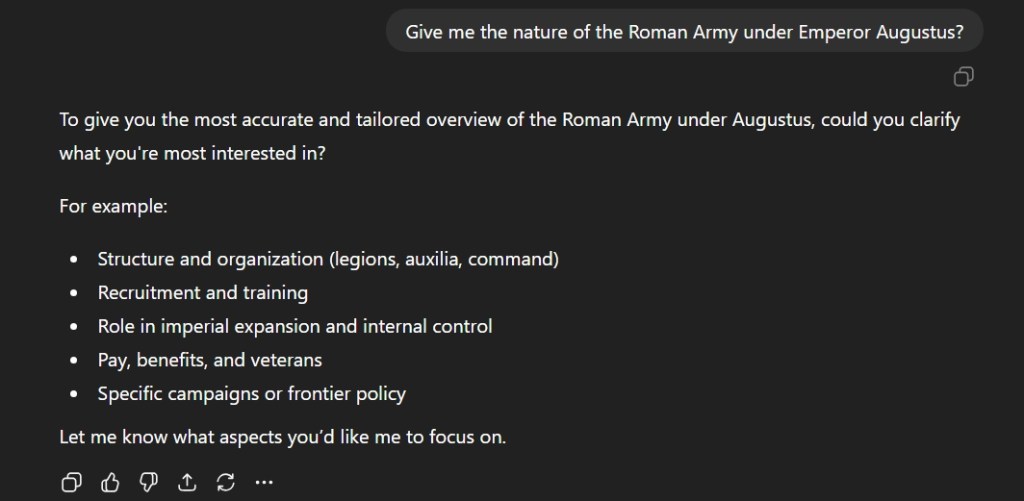
The next step is to type out your question. In this case, I chose to ask about the Roman army under the first Roman Emperor, Augustus. It would be wise to make sure you clarify specifics.
ChatGPT will ask you what you to focus on. Choose a topic that is relevant to your research.
Step 3: Focus your research
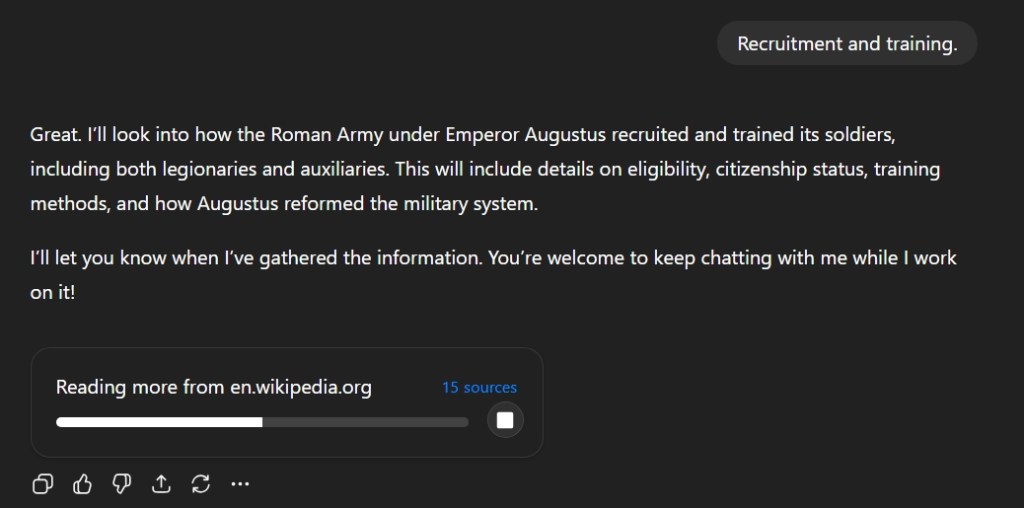
I selected Recruitment and Training and the chatbot begins its research on various sources.
This process takes time and will take about 5 to 7 minutes depending on the topic. ChatGPT will show you what sources it using to conduct its research while the process is undergoing here.
Step 4: Check the results
ChatGPT will save you time. It will summarize many websites into a single response which will have hyperlink bubble located next to the regular text. Clicking these links will take to the websites so you can expand upon your research.
This tool will greatly help in research here.
Step 5: Integrate your research with original ideas
This is probably the hardest aspect of using ChatGPT here. Many students simply want to complete the homework without effort. This has been covered in publications multiple times. However, it is clear that the tool is here and its time to use to help reinvigorate an often-stale teaching profession. Students need to enhance their thinking and not let a machine replace it.








 My Game Reviews