Use ChatGPT to enhance your photos

Photo editing on ChatGPT is the next step in making photography easier for everyone here and also unlock a workflow which make the job of professionals even more fulfilling here.

Here is how ChatGPT can enhance your photos beyond just giving it fresh coat of paint.

Here is a photo my mother took when she went with my father to New Orleans in April 2025.
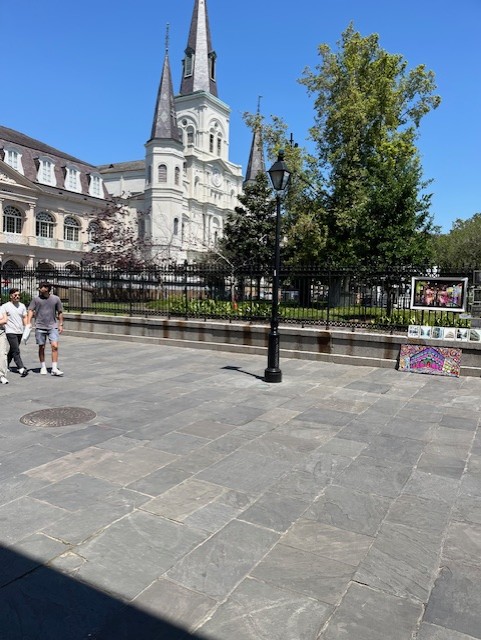
New Orleans Original Image Jackson Square

As you see it is somewhat pixelated in here. ChatGPT can help give it a bit more life in here.
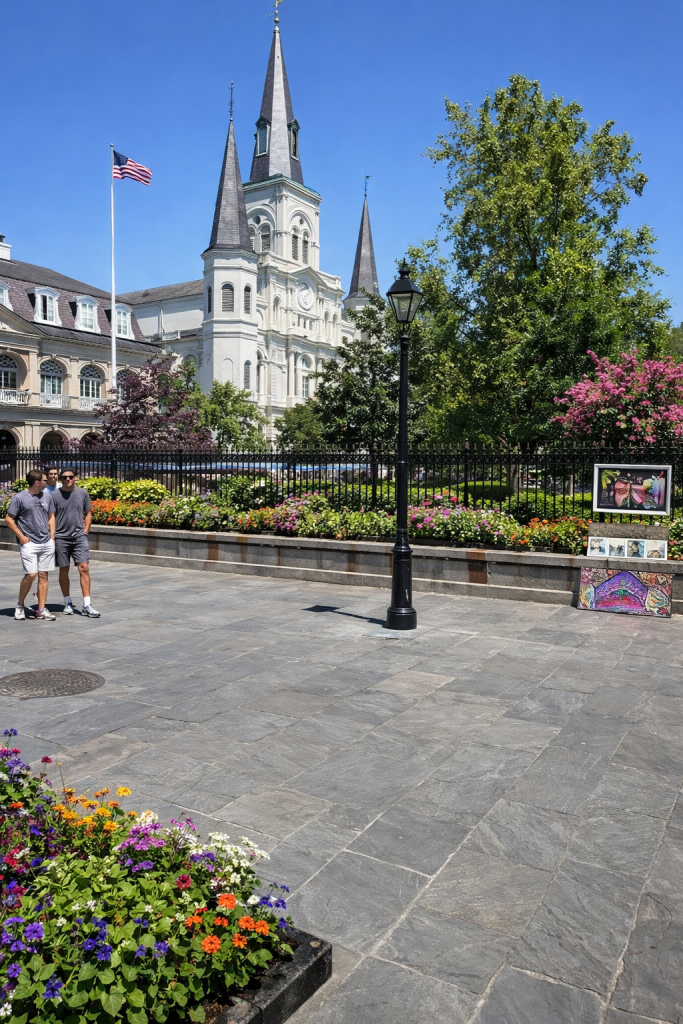
New Orleans Original Image Jackson Square ChatGPT Changes

The image above is the result of me typing: “Improve this image in here.”

What would have taken hours in Photoshop now takes seconds.

This is what ChatGPT is capable of here. Those flowers were not there in the original image, but they greatly improve the scenery and just give more life to the composition.

In the past, most of what you would get in the image editing software was being able to have an “auto-enhance” and some filters. Now, you put anything into an image.

I suggest people attempt to learn how to use these tools. Instead of complaining about AI usage, they should use them in order to greatly improve their experience of cyberspace.
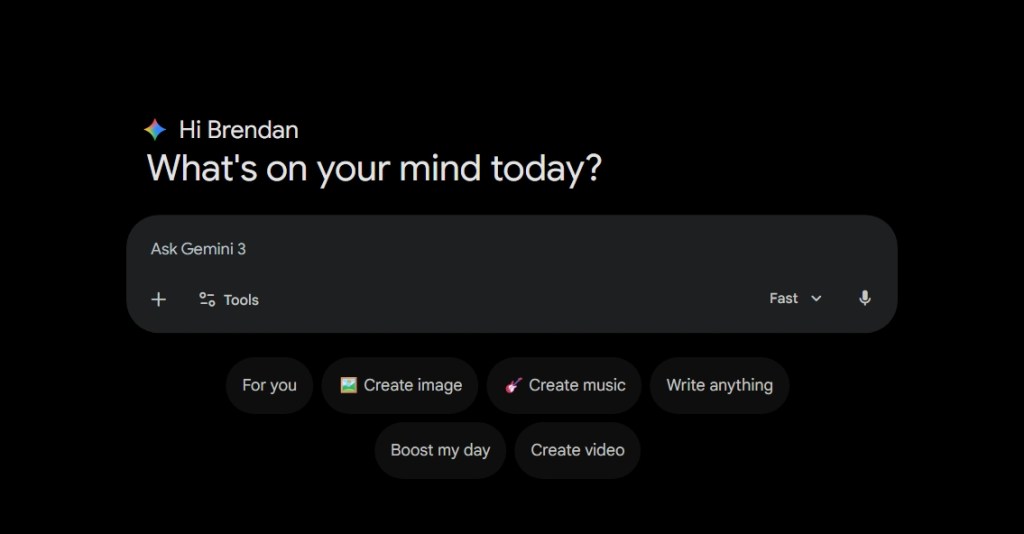

How to make longer songs on Google Gemini

Google Lyria is a useful platform for making AI music. I have already written about how to use Google Lyria in order to make songs on the platform here.

Here is how to make longer songs on Google Gemini with Lyria.

Step 1: Go to Google Gemini and Select Create Music

Google Gemini

Step 2: Select Create music and make sure the model is on “Thinking”.

Google Gemini 2

Step 3: Write in your prompt

Step 4: Analyze your results

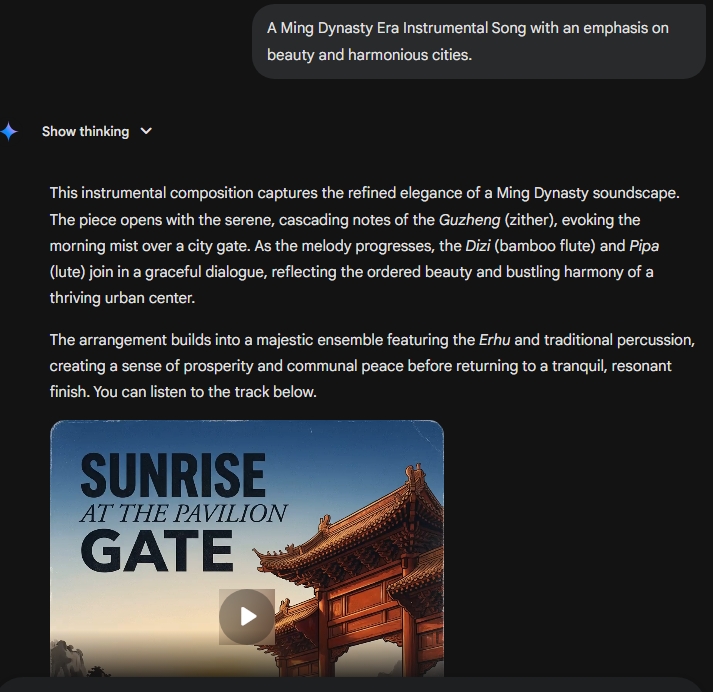
Google Gemini Music Write Chinese Songs

Once Gemini is complete you will be able to hear the whole song. When the model is on “Thinking”, it is able to create roughly three-minute songs rather than the default 30 seconds on “Fast” settings.

Within the result, Google Gemini’s Lyria music creator is able to describe the multiple instruments involved in the creation of the song here.

The song is now available for download onto your PC or to share on social media.

Create Music from your videos with Google Lyria 3

Google Lyria 3 is one of the most powerful AI music generators here.

Suno AI is still the best when it comes to studio level music generation but Google is showing it is very much competitive in this space.

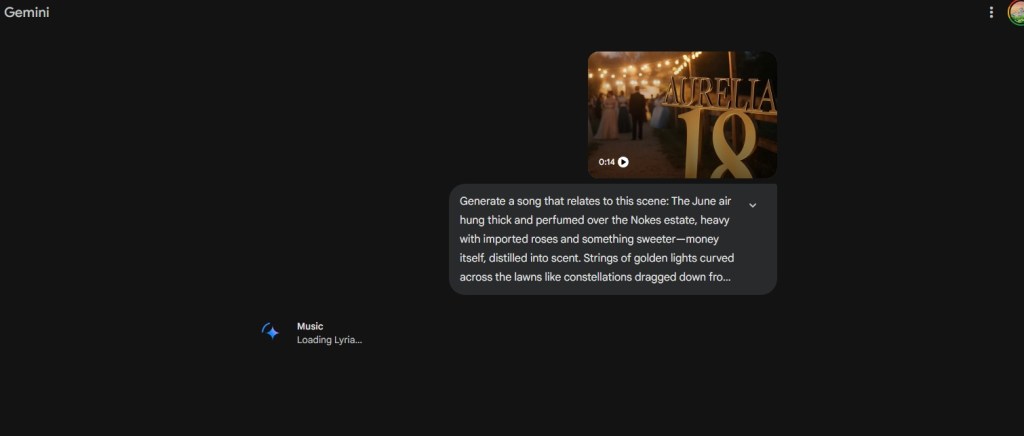
One of the most intriguing aspects of the chatbot is the ability to attach a video and have it create music out of that video.

Google AI Music

There are two options to approach this.

My recommendation here is that you should attempt to write a prompt because from my experience, Lyria has a tendency to create songs with vocals. While the vocals are great, I am more of an instrumental guy. I love Baroque and Classical Music and that is the genre I prefer to see created from such prompts here.

The amount of time it takes to create a song from a video is impressive. It only takes about a couple seconds, another advantage Google gained over Open AI’s ChatGPT platform here.

The ability for Google Lyria to make songs out of a video is one those things that only existed in the imaginations of writers who dabbled in the realm of speculative stories.

Now, that power is the hands of average users. While some may complain about creativity, I think we should use these tools in order to enhance our imaginations.