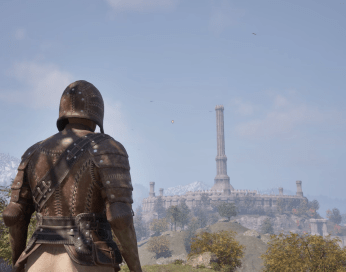
Create Music from your videos with Google Lyria 3

Google Lyria 3 is one of the most powerful AI music generators here.

Suno AI is still the best when it comes to studio level music generation but Google is showing it is very much competitive in this space.

One of the most intriguing aspects of the chatbot is the ability to attach a video and have it create music out of that video.
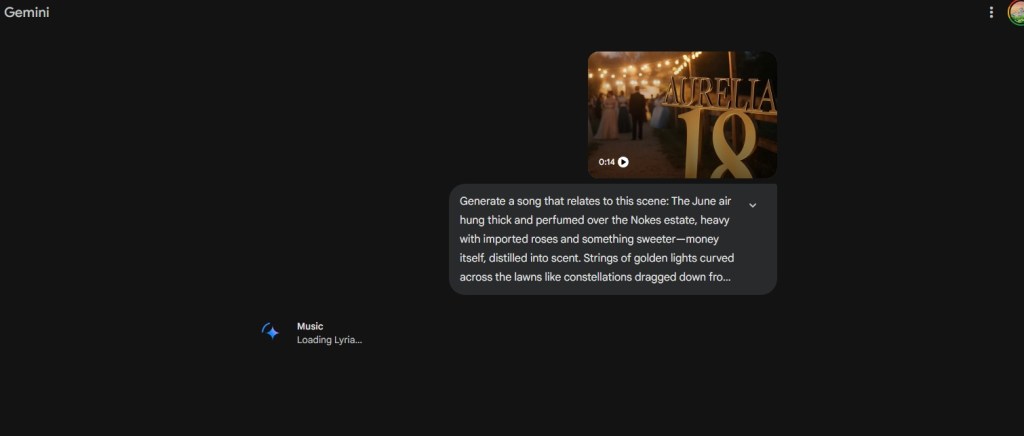
Google AI Music

There are two options to approach this.

My recommendation here is that you should attempt to write a prompt because from my experience, Lyria has a tendency to create songs with vocals. While the vocals are great, I am more of an instrumental guy. I love Baroque and Classical Music and that is the genre I prefer to see created from such prompts here.

The amount of time it takes to create a song from a video is impressive. It only takes about a couple seconds, another advantage Google gained over Open AI’s ChatGPT platform here.

The ability for Google Lyria to make songs out of a video is one those things that only existed in the imaginations of writers who dabbled in the realm of speculative stories.

Now, that power is the hands of average users. While some may complain about creativity, I think we should use these tools in order to enhance our imaginations.
ChatGPT Deep Research Tutorial for High School Students

ChatGPT Deep Research

ChatGPT is changing the world of education, and I hope to be able to help make the process more usable for students specifically in the High School settings.

A new feature is available in the new versions of ChatGPT known as “Deep Research”. Basically, it makes ChatGPT spend lots of time looking through every source of information available to give you the best answer for you to do research on your topic.

Using this process requires that you are subscribed to ChatGPT Pro.

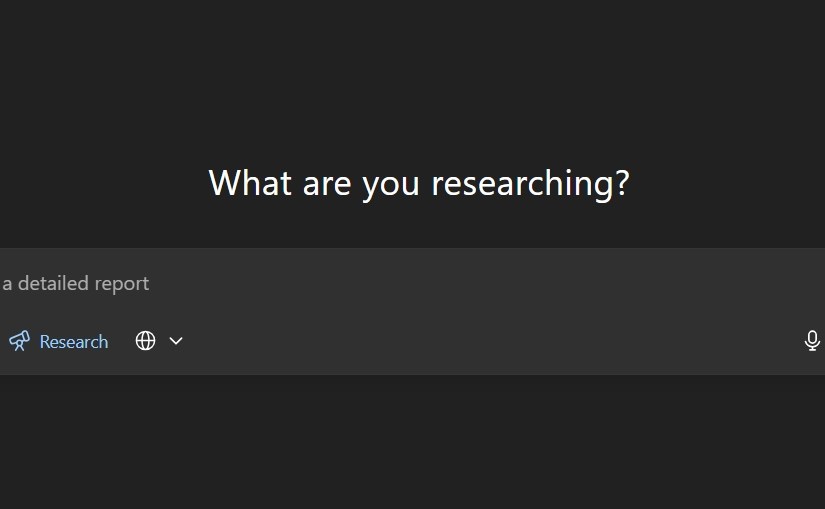
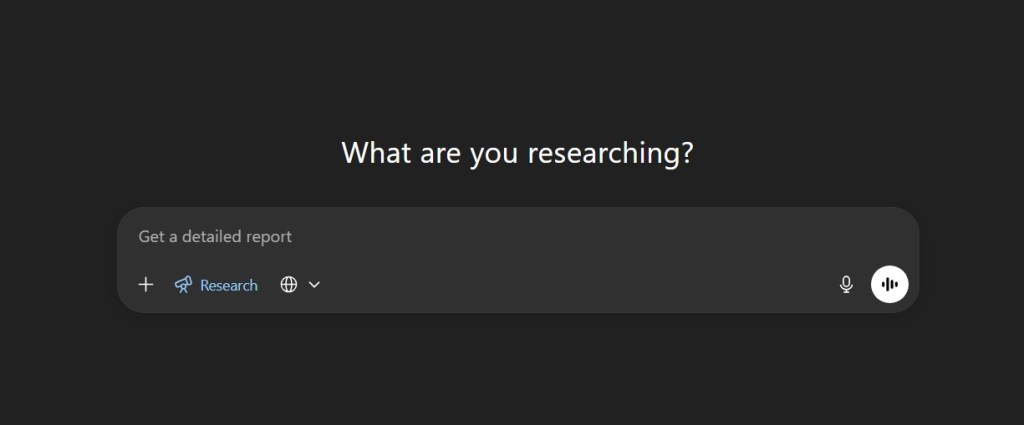
Step 1: Use the Deep Research button on the chat box in ChatGPT

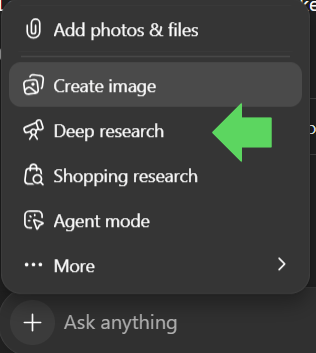
Click on the plus sign on the chat box in ChatGPT.

Then scroll to the Deep research with the telescope icon and click on the button.

ChatGPT Deep Research Icon Screen

Step 2: Ask your question

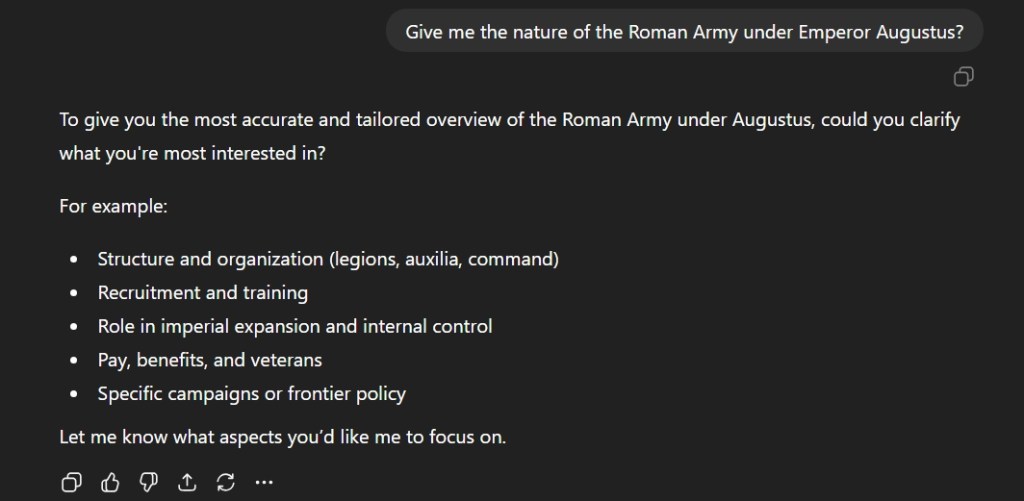
The next step is to type out your question. In this case, I chose to ask about the Roman army under the first Roman Emperor, Augustus. It would be wise to make sure you clarify specifics.

ChatGPT Deep Research History Questions

ChatGPT will ask you what you to focus on. Choose a topic that is relevant to your research.

Step 3: Focus your research

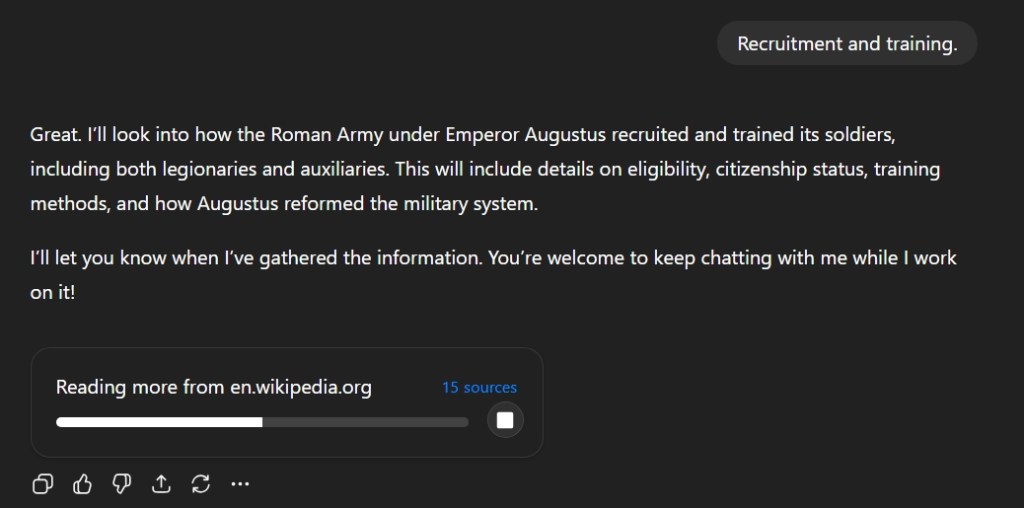
I selected Recruitment and Training and the chatbot begins its research on various sources.

ChatGPT Deep Research Sources Screen

This process takes time and will take about 5 to 7 minutes depending on the topic. ChatGPT will show you what sources it using to conduct its research while the process is undergoing here.

Step 4: Check the results

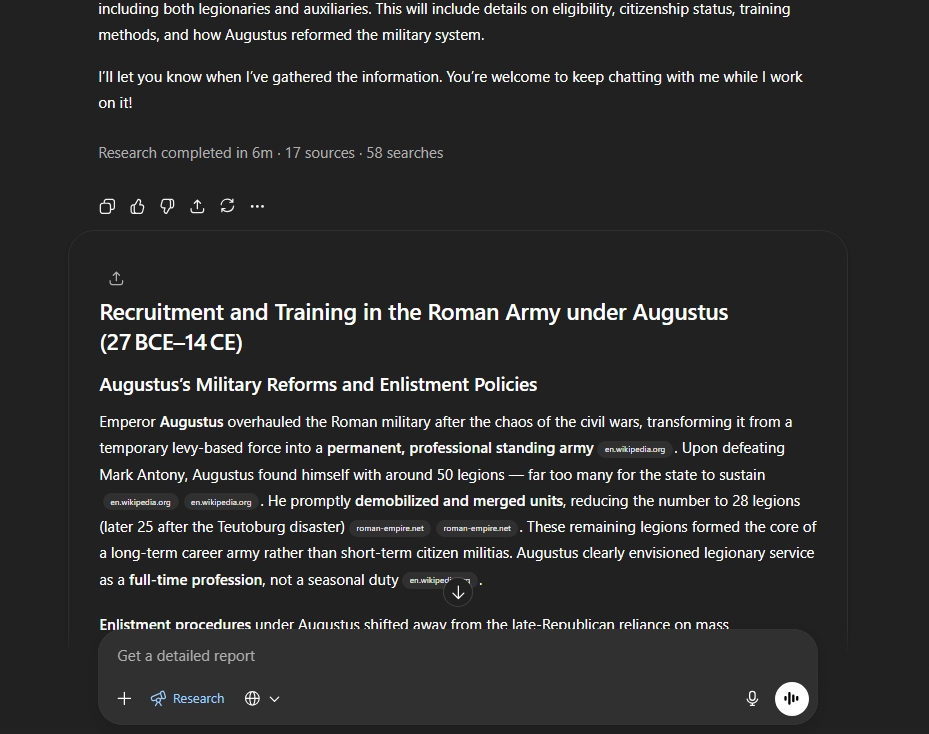
ChatGPT will save you time. It will summarize many websites into a single response which will have hyperlink bubble located next to the regular text. Clicking these links will take to the websites so you can expand upon your research.

ChatGPT Deep Research Sources and reports

This tool will greatly help in research here.

Step 5: Integrate your research with original ideas

This is probably the hardest aspect of using ChatGPT here. Many students simply want to complete the homework without effort. This has been covered in publications multiple times. However, it is clear that the tool is here and its time to use to help reinvigorate an often-stale teaching profession. Students need to enhance their thinking and not let a machine replace it.