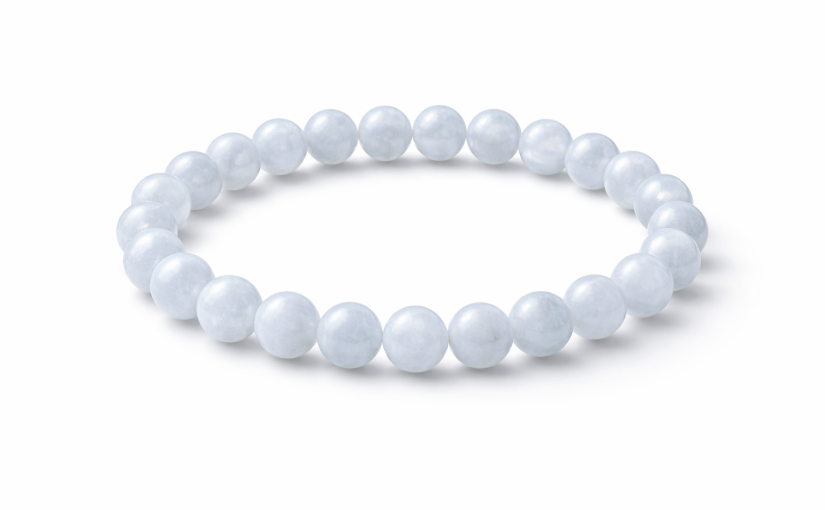
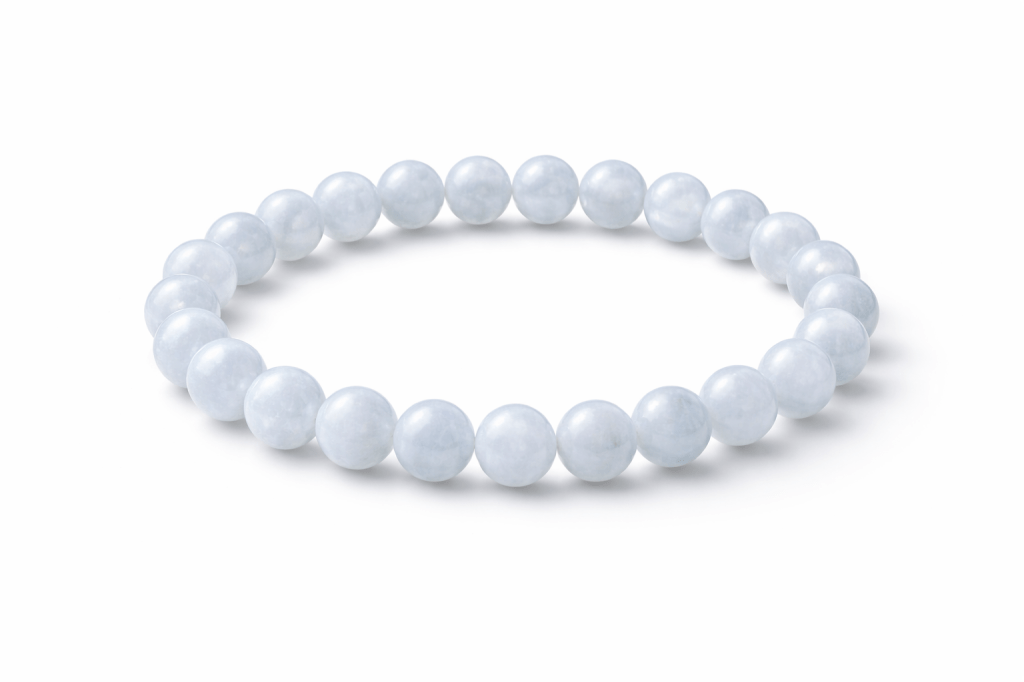
ChatGPT is changing the world of ecommerce by making it more efficient to showcase images of what you are selling online.
On eBay, great images are vital for making a shop successful and turning a hobby into profitable reselling business.
Here are the five steps to use ChatGPT in order to create professional selling images that will be much better than using your old camera.
How to create professional selling images for an item on your eBay store
To start, make sure you have taken photos of your items before uploading them into the template.
Step 1:
Select: Create a professional product photo
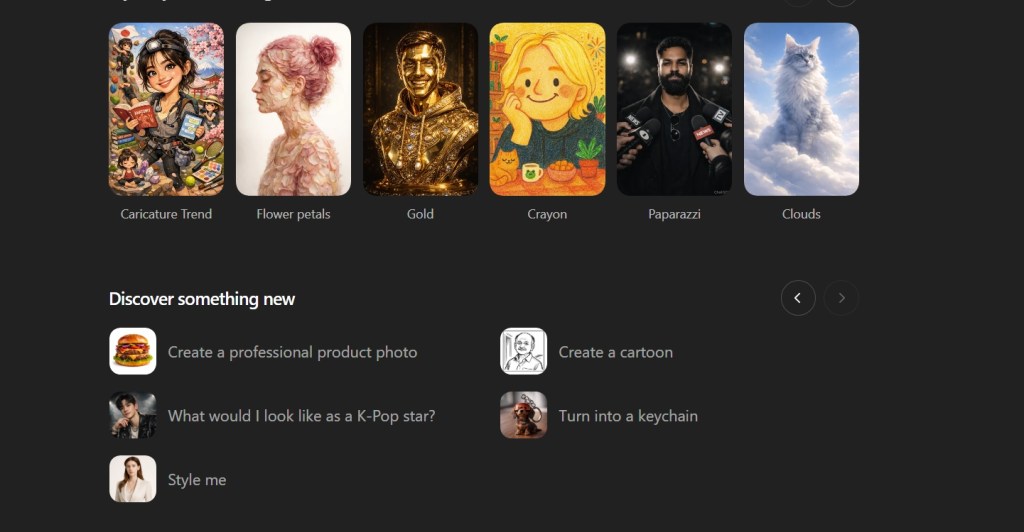
Step 2: Select photo to use with the template
Note: ChatGPT will show you recent photos that you made within their platform to use as a way to guide the chatbot to creating your preferred professional photo.
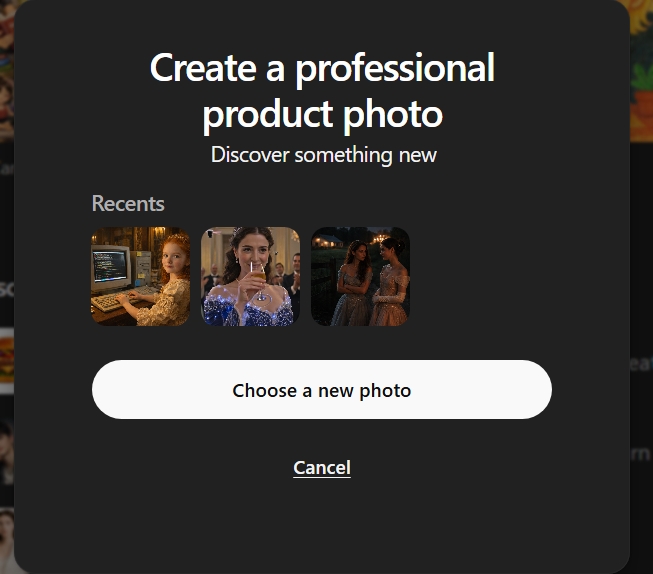
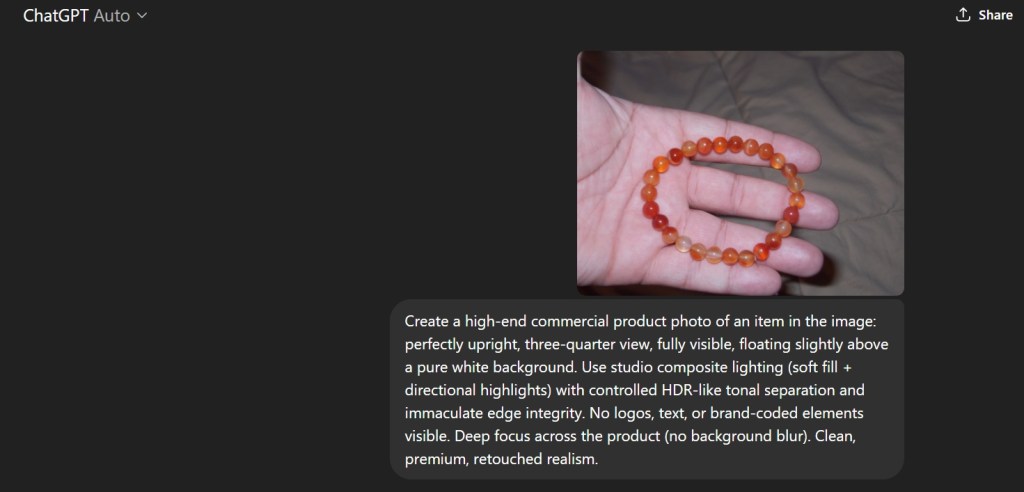
Step 3: Upload the photo.
ChatGPT will show you the prompt that it will use to create these professional photos.
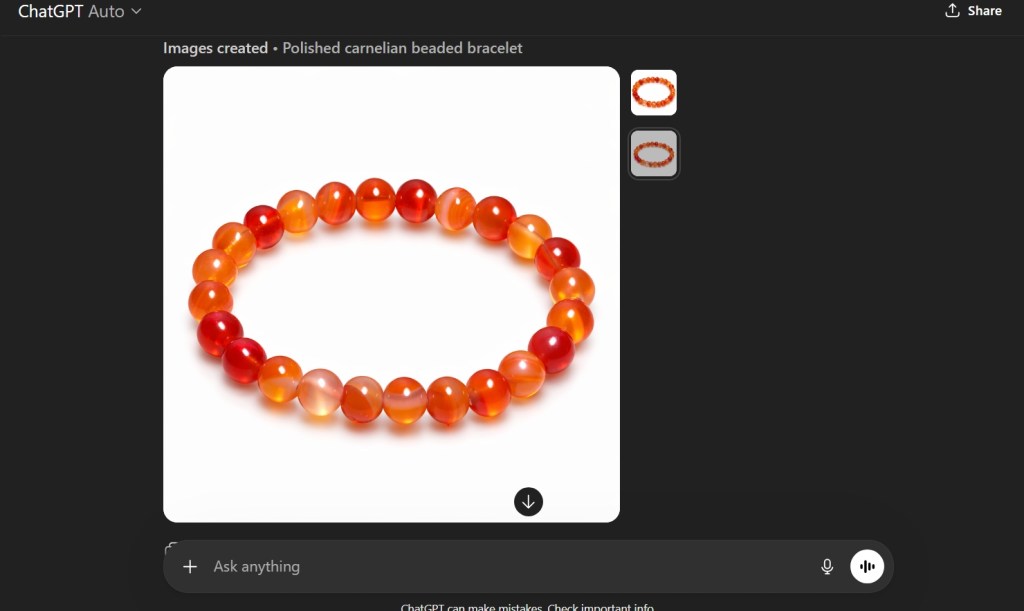
The Result?
You get a clean professional product photo without having to get your white surfaces for your camera.
This will greatly help to speed up the process of making clean pictures of your products on eBay.

 My Game Reviews